Fixing my own mistakes: renaming a volume group
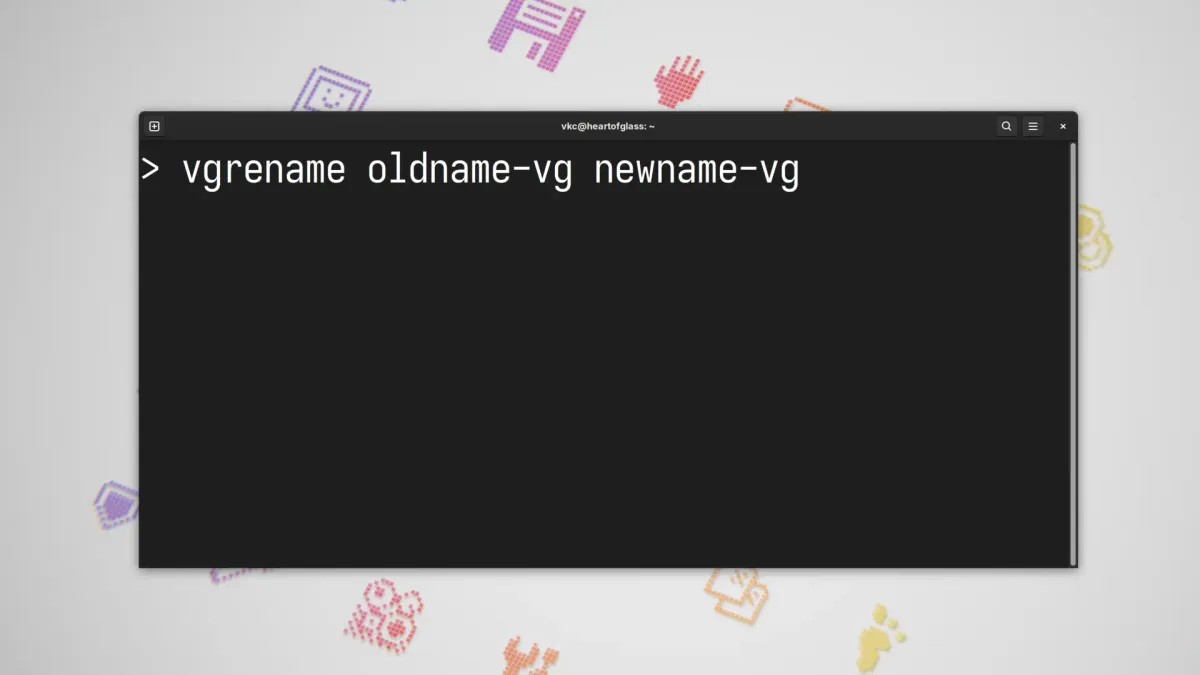
Using vgrename to rename a volume group is a piece of cake. Here's an unnecessarily long blog post about it.

This week, I upgraded the NVMe drive on my editing rig, and rather than clone from one drive to the other, I decided to simply reinstall Debian: we're getting close to Trixie's release and I figured it was time to rebase to Trixie.
While installing, Debian asks you to assign a hostname. Naturally, I chose the same hostname I'd previously used: heartofglass after the Blondie song (all my physical machines are named for songs, and Blondie's been on the mind recently).
I use LUKS with LVM for whole-disk encryption on this desktop, and Debian assigns a name to a volume group based on the hostname of the machine. So, Debian called the new volume group heartofglass-vg. That would come to be a problem later...
Problems with LVM
Since I knew there'd be file copying between the old and new NVMe drives, I just plugged the old drive into a spare M.2 slot on the motherboard. Well, wouldn't you know it, when I tried to unlock it and mount the old NVMe drive from the new install, it couldn't mount.
The reason: the volume group on both drives was named the exact same thing: heartofglass-vg. Since the new root filesystem lived on a heartofglass-vg, Nautilus apparently couldn't mount a second filesystem with the same name again.
Now, obviously I could go into fstab and specify an alternative mount point for the old NVMe. But leaving both devices with the same volume group name could cause me some headaches down-the-road... maybe I'd end up accidentally booting from the wrong NVMe or snapshotting old data. Mistakes happen, and I decided it was easier to simply change the name of the old volume group.
Changing the name of a volume group
Doing so was a piece of cake. I booted up a live USB that I had at my desk. This way I'd have access to both NVMe drives without mounting the new one before the old one.
As always, back up your files before making any sort of changes to how partitions or volume groups work: I routinely check my backups once per week to make sure I can recover the media files I'm working with. Changing a volume group name shouldn't be terribly destructive, but you never know.
I mounted the old heartofglass-vg and then as root, used vgrename to rename the old volume group:
vgrename heartofglass-vg oldhog-vgI could have also done this with a UUID:
vgrename NNNNNN-NNNN-NNNN-NNNN-NNNN-NNNN-NNNNNN oldhog-vgChanging the name of the volume group allows me to take my sweet time in migrating files, which has benefits: I can boot up the old environment if I'd like to see how something used to be configured.
I rebooted from the new NVMe drive, and everything mounts as expected.
And as always, the man page is your friend. I checked man vgrename before I got started, and you should too. :)