Writerdeck: FAQ
Folks have been asking me questions about my writerdeck setup. Here, I attempt to answer them.

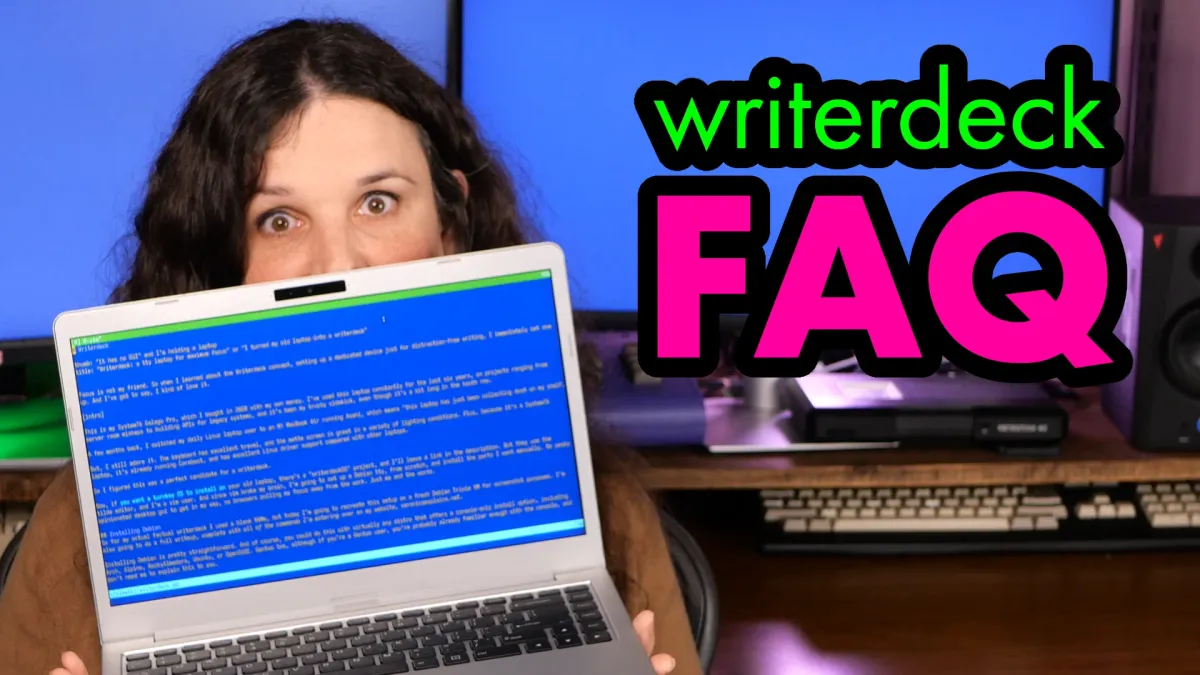
Wow, so apparently people are interested in the writerdeck idea. Thanks everyone who shared my blog post or video over the last few days, it's meant a lot to me!
There's no way I could read every comment, but I've read a bunch of them, and pulled out some of the most interesting questions to answer here in this follow-up post.
"Why did you spend so much time making a writerdeck instead of just writing?"
I spent a grand total of 20 minutes setting up my writerdeck. It's a laptop I already owned, with a distro I'd already flashed to a USB stick.
It's a few minutes spent, but it's paid out dividends; in the last couple of weeks I've had an amazing time writing scripts and future blog posts (including this one) without distractions. Right now I'm outside listening to the birds chirp - my favorite tweeting.
One of the funniest comments on Hacker News was "I need to focus on writing so I spent a few days stripping down a Linux distro." Folks: this took me less than a half hour.
Now, if I didn't have any background in Linux administration, I can see how it might take longer to set up. That's why I wrote the blog post to help others get started.
"Why not just switch to a tty on your existing setup?"
Yes, I could have left a desktop intact and just used Ctrl-Alt-F3 to get to a tty. But I didn't want to.
I don't want the temptation of all of my group chats and the entire internet just a few keys away.
I want to be able to throw my laptop in a backpack, head out to a park, and write a post without distractions. With a "real laptop", I'm going to end up spending half my time researching getting distracted by emails, chats, and feeds.
"Why not just use pencil and paper?"
I could! Maybe? It gets complicated.
My writing ends up as videos on PeerTube or YouTube. The words I enter into vim eventually go into my teleprompter, so I need those words to end up in a digital format. I could imagine a situation where I use OCR to capture a notebook, but the OCR would have to be pretty good, and honestly, that's a bigger distraction then just using an old laptop I already own.
"But I need to do research, and that requires the internet!"
For me, research isn't writing, those are two separate tasks.
I mostly handle research before I start writing scripts or blog posts. This is where VimWiki is a viking: my scripts often start as a collection of online references in a text file (this usually gets added to the video description). Then I usually write an outline while I capture footage of the subject - that all happens on my editing rig. But that's not writing.
Writing is what I'm doing right now, turning outlines into infotainment.
"Why not just use MS-DOS and edit?"
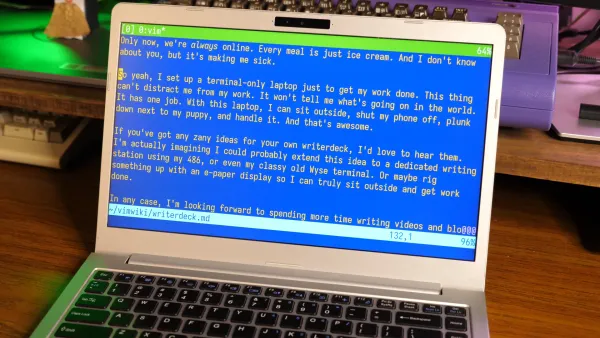
I know the blue colorscheme looked like MS-DOS edit and a lot of folks were asking why I didn't just set that up. This falls under "use the tools you like" - I'm a vim and Linux user, and it's what I know. I might like the blue look, but it wasn't about the look, it's about writing.
I have years of vim-inflicted muscle memory which makes it a good fit for me. Learning a different editor breaks my process.
"We called this a 'word processor' back in my day."
First off, I don't get hung up in language, and I didn't come up with the name "writerdeck".
Second, yes, this bears some similarity with the dedicated word processor hardware which was around for a while. I can see the argument that this is a "rebranding" of an existing idea.
But, that's not a bad thing.
Using a newer, concise term ("writerdeck") instead of a term that's taken on multiple meanings ("word processor") can make the concept easier to discover. You search "word processor" and you're going to get software. You search "writerdeck" and you're going to get this idea. Language is fluid!
"But tmux and vim are such huge distractions! You can spend hours customizing them."
Yes you can, but I didn't.
The tmux mods took me all of two minutes to write. The nvim mods were mostly copying my .vimrc from my desktop and then changing the color scheme with a single line.
That said, I know how someone would spend hours, even days customizing these two programs. They are quite flexible, and if I hadn't already been through many rounds of "optimizing" over the years, I might have been tempted to waste a bunch of time for this writerdeck.
"Why not just ssh into your notes? Why use Syncthing?"
I want my notes to be available offline. And I do mean offline.
Syncthing keeps a local copy on the machine. If I'm at a park and my phone is shut off, my VimWiki is still there, even if the internet isn't.
"What about spell checking?"
I usually spell check my scripts on my editing rig.
I don't enable spell check by default, but recent versions of NeoVim have a built-in spell checker. When I'm writing a script (as opposed to code), I can turn it on with :set spell. z= over a highlighted misspelled word will pull up the suggestions. zg will mark a word as "good", and add it to a file inside your .config/nvim/ directory.
"How is battery life?"
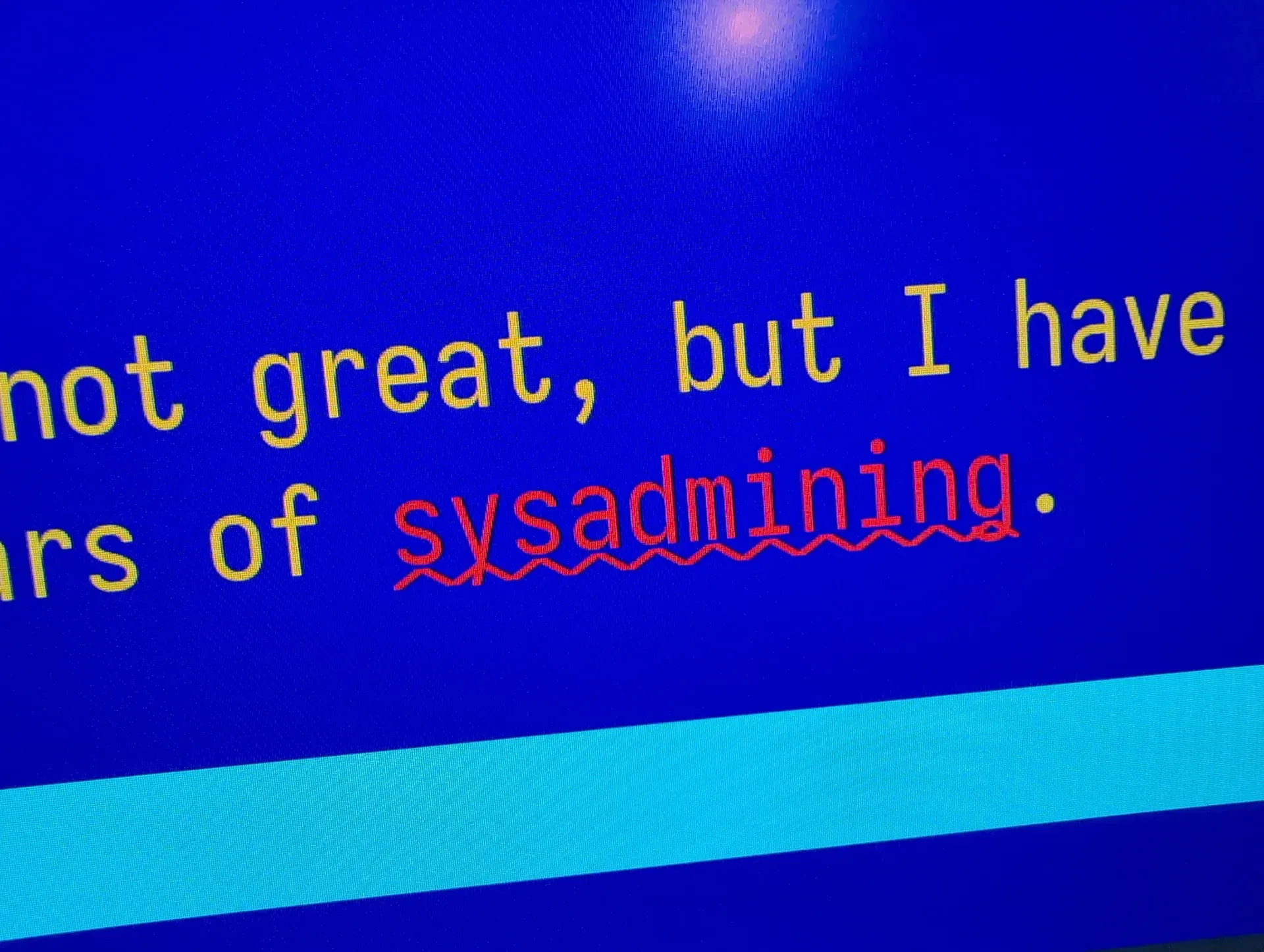
With the brightness turned down, I have been getting about 6-7 hours of battery. It's not great, but I have some room for improvements. I could change the battery for this laptop, as this one is very well loved from my years of sysadmining.
I did absolutely no performance tuning, either. I'm betting I can write a script that'll turn off the screen and wireless during idle time, and I haven't explored setting this laptop up to only use efficiency cores.
There's always room for improvement, but I don't want to get too bogged down. The point is to be a writing tool, and right now it's doing a great job of that.
"Why not just use [insert alternative here]"
Do what you want! I'm not your mom.